用户认证
此页面暂无中文版本,将以英文显示。
User authentication is an important part of our platform. To ensure that no user data is lost, most functions require a login. By registering, we ensure that your data is kept private and that you give your informed consent to our terms and policies.
Note: You may not receive the expected email. If this is the case, please check that your email address is valid and check the spam folder of your mailbox. In some cases, you need to contact your email provider.
Login
To access the platform, users must first authenticate themselves through the login process.
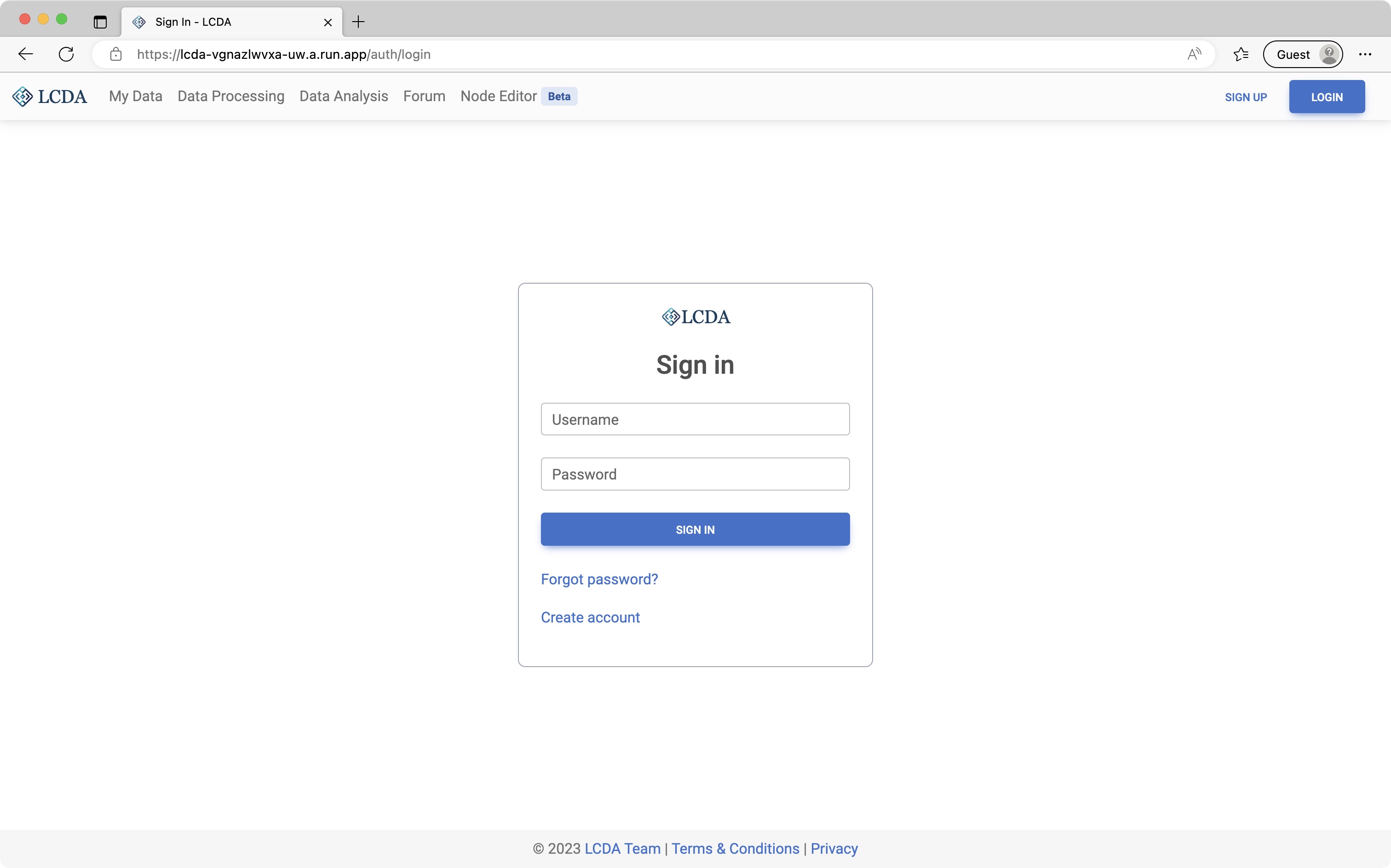
To login, follow these steps:
Click on the 'Login' button or be redirected to the login page.
Enter your registered email address and password.
Click on the "Sign In" button. If the email address and password match what we have on record, you will be redirected to 'My Data' page or the page that requires login.
Registration
To use our platform, you must first register an account.
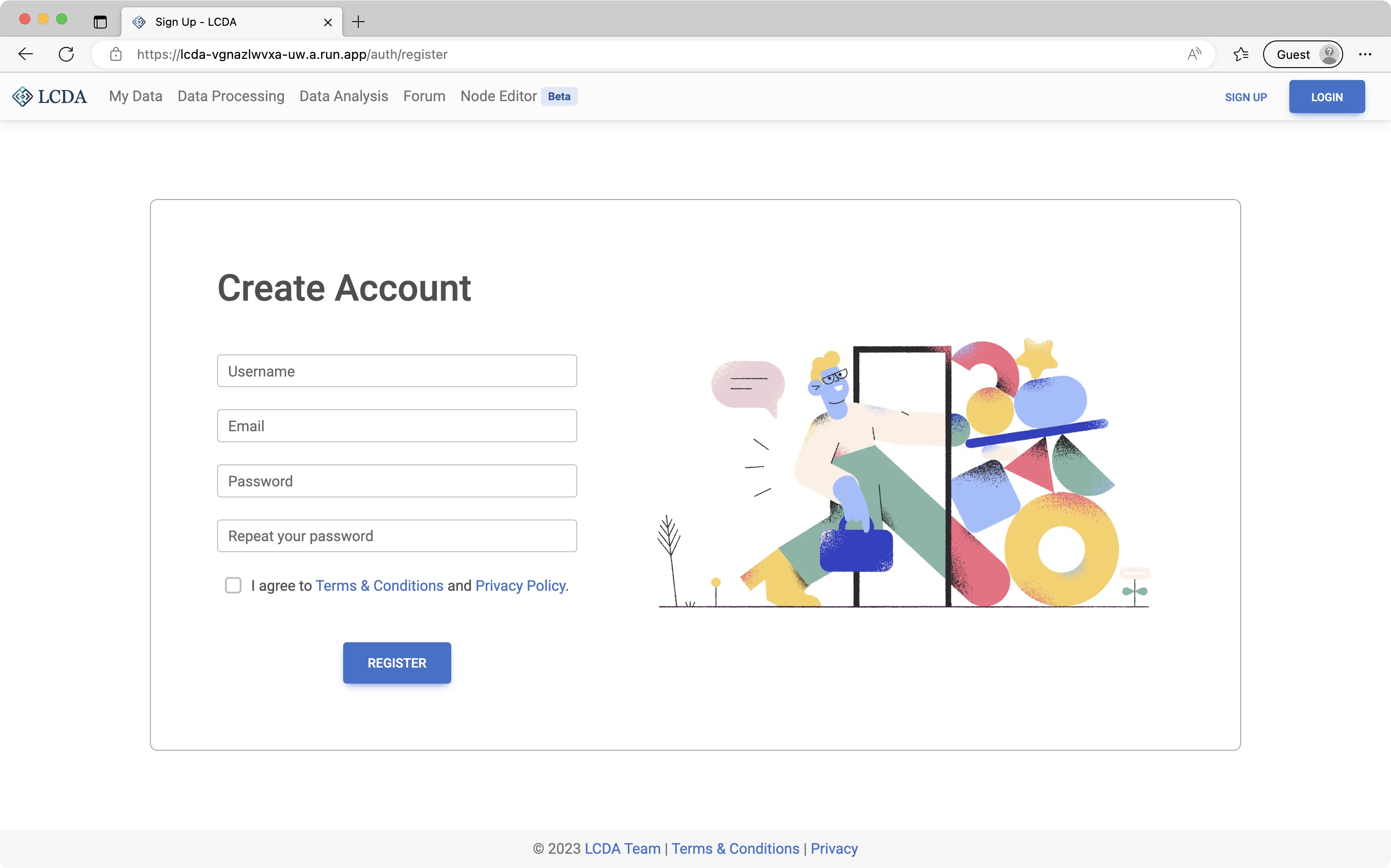
To register, follow these steps:
- Click on the 'Sign Up' button.
- Enter a valid and unused username, your email address, and desired password. The password must be at least 8 characters long and contain at least one uppercase letter, one lowercase letter, and one digit.
- Read the Terms and Conditions and Privacy Policy carefully.
- Check the "Agree to Terms of Use and Privacy Policy" checkbox.
- Click on the "Register" button.
Once verified, you will be redirected to the login page.
Password Reset
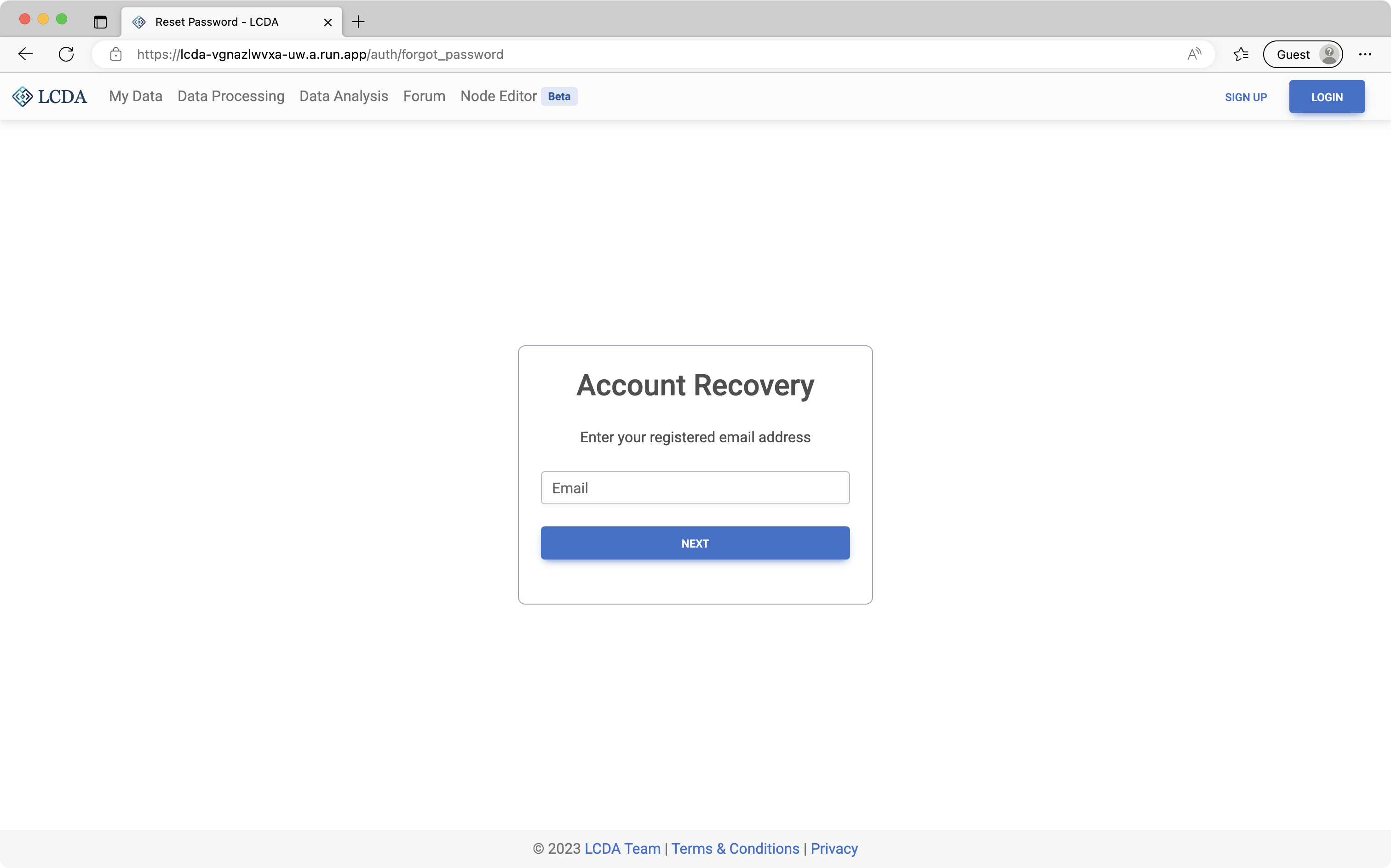
If you have forgotten your password, follow these steps to reset it:
- Navigate to the Account Recovery page.
- Enter the email address associated with your account.
- Click on the "Next" button.
If the email address is registered, you will receive an OTP (One Time Password) email to the provided email address.
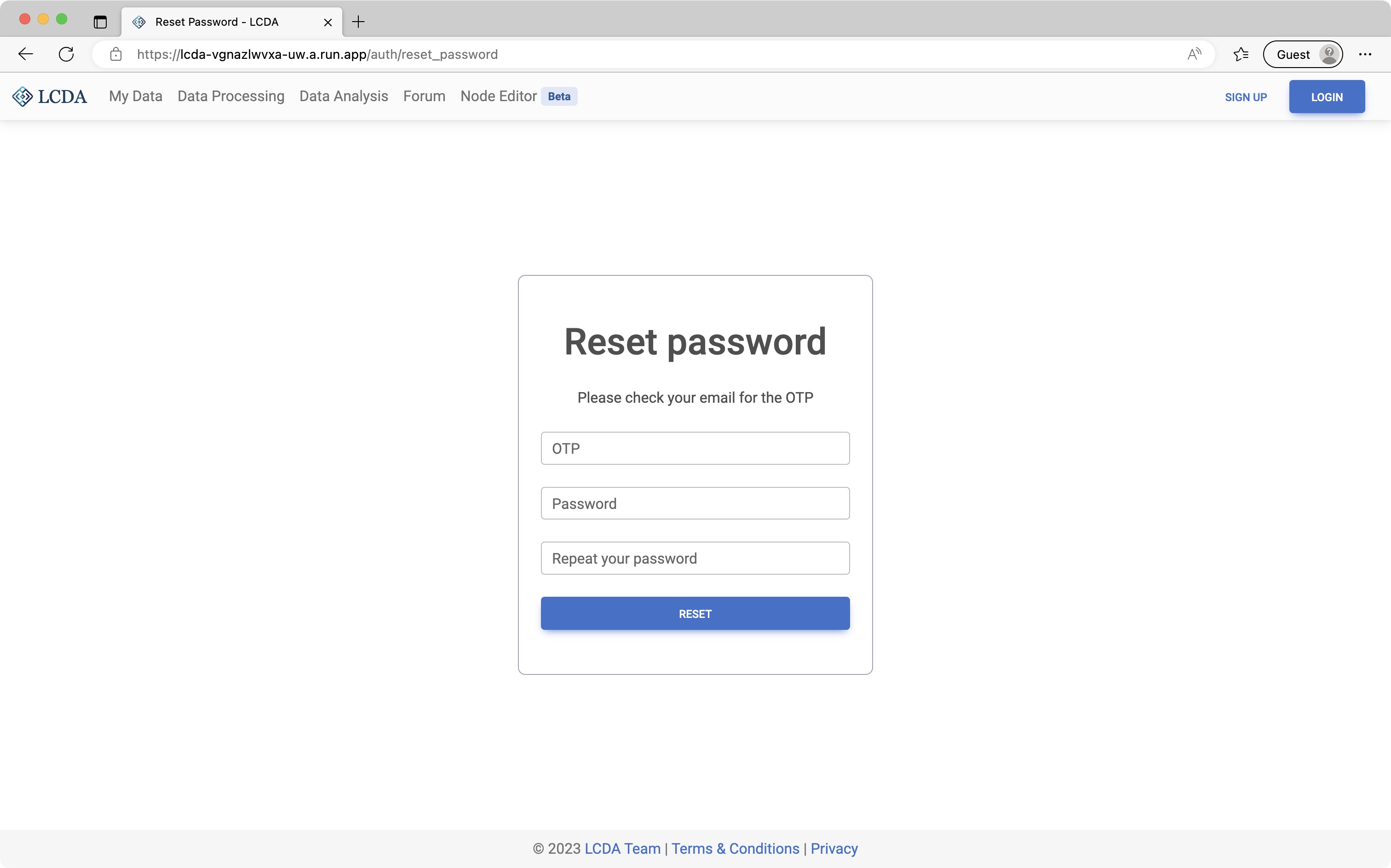
Use the OTP to reset your password by following these steps:
- Enter the OTP received in your email.
- Enter your new password as per the requirements listed on the page.
- Click on the "Reset" button.
If the password reset is successful, you will be redirected to the login page with a message indicating the success of the password reset. You will also receive a confirmation email at the same time.